Stay with the manuscript.
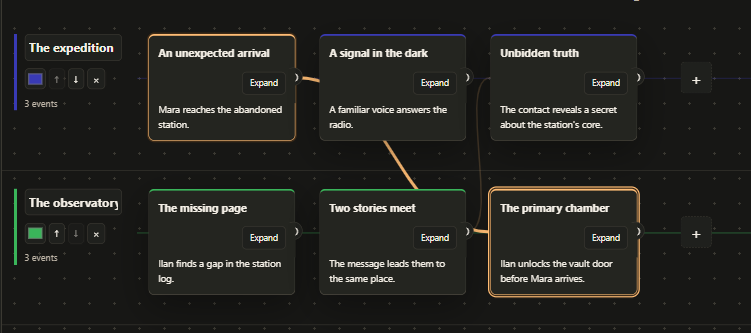
Work in a continuous editor with autosave, author notes and a reading palette you can adjust. Import DOCX and export your document to DOCX or PDF.
 fennec.
Text, context and timeline in one app
Create, structure and analyse text projects, from articles and notes to full-length manuscripts. Work with drafts, characters and a visual timeline that connects events across parallel threads. All in one offline desktop app.
Closed testing · By personal invitation
FROM THE FIRST LINE TO THE BIG PICTURE
Work in a continuous editor with autosave, author notes and a reading palette you can adjust. Import DOCX and export your document to DOCX or PDF.
Keep characters, locations, objects and concepts connected to your project. Review extracted suggestions before accepting them into your story knowledge.
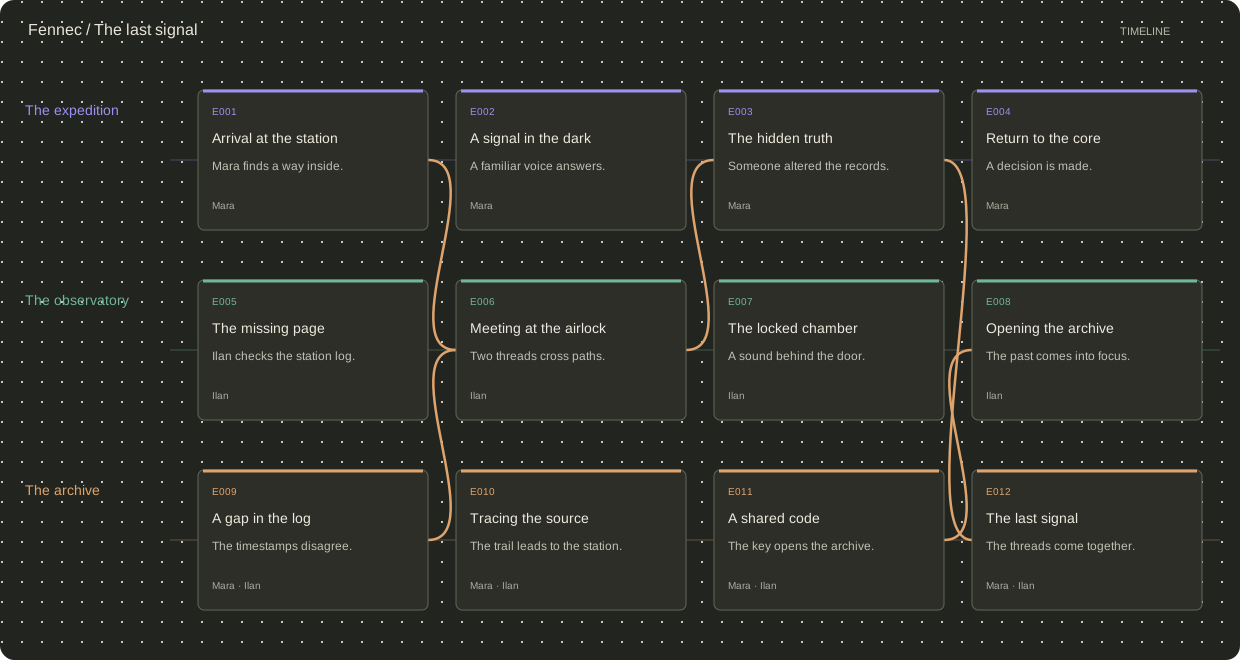
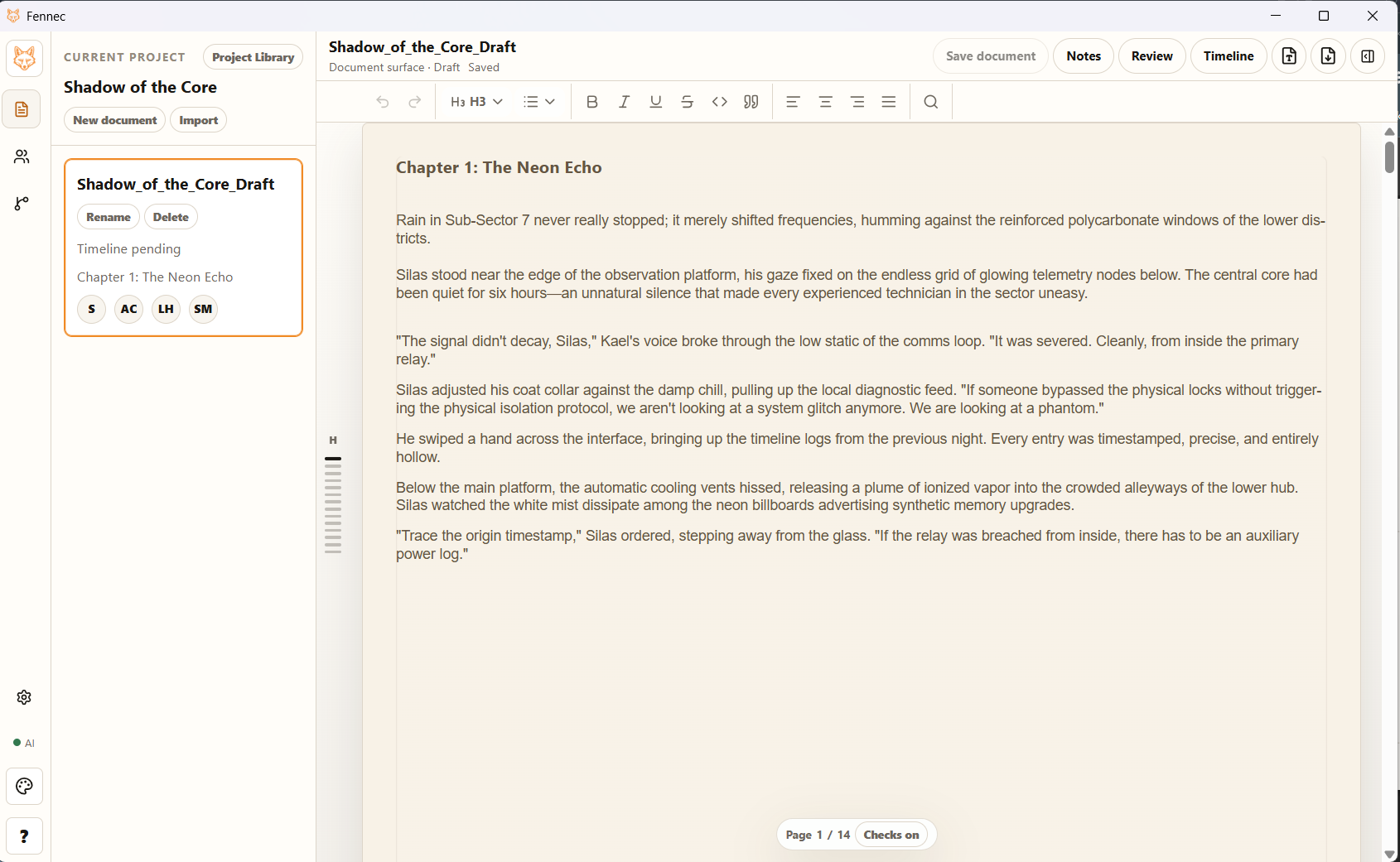
Build a Timeline for each document. Place events in parallel branches, connect cards, expand their details and return to the linked text. Export the board or a readable text version.
With a compatible local model, ask for a continuation, synonyms, a rephrasing, a shorter passage or more dynamic wording. Suggestions are yours to review — nothing is applied automatically.
Keep manuscripts and project data on your computer.
You choose the events and the connections that matter.
Ask for an idea. Keep, change or discard the suggestion.
THE PROJECT AT A GLANCE
Use the timeline to structure complex plots: arrange events in parallel branches, connect storylines and return to the linked passages. See how individual events fit into the whole story.
INSIDE FENNEC
Explore the editor, project materials and analysis tools in real application screenshots.
YOUR WORKSPACE
Choose a light or dark theme and adjust editor colours for comfortable reading and writing.
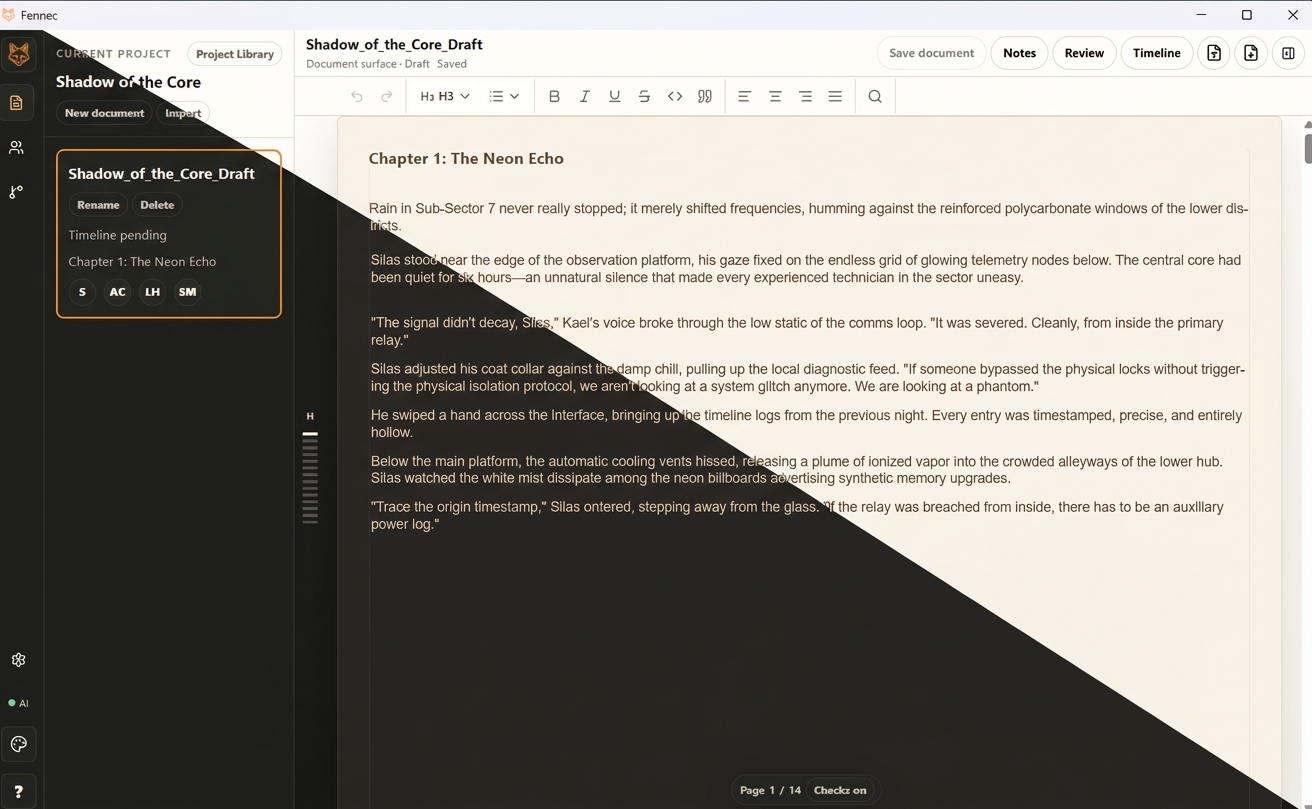
The core writing workspace works offline. Local AI requires a separately installed compatible model. Optional update and license-status checks can be disabled; downloads and support links need a connection.
SYSTEM REQUIREMENTS
The editor, Timeline, cards and notes work without an AI model. Local AI is optional and needs additional memory, disk space and computing power.
These are preliminary Beta recommendations, not validated minimum requirements or a speed guarantee. Hardware testing is ongoing; faster AI on entry-level laptops is still being evaluated.
Not sure about your computer? Ask the developer. ↗Closed Beta
Fennec is in closed Beta. Testers are invited individually so feedback can shape the next release. There is no public installer or automatic registration.
Let me know about the release Send a release-notification request through the contact form. This does not grant Beta access and is not a paid preorder.